


 ×
×
×
×
AFFIN Cards
on Google Pay
Tap. Pay. Go.
Enjoy fast, secure, and contactless payments right from your Android phone.
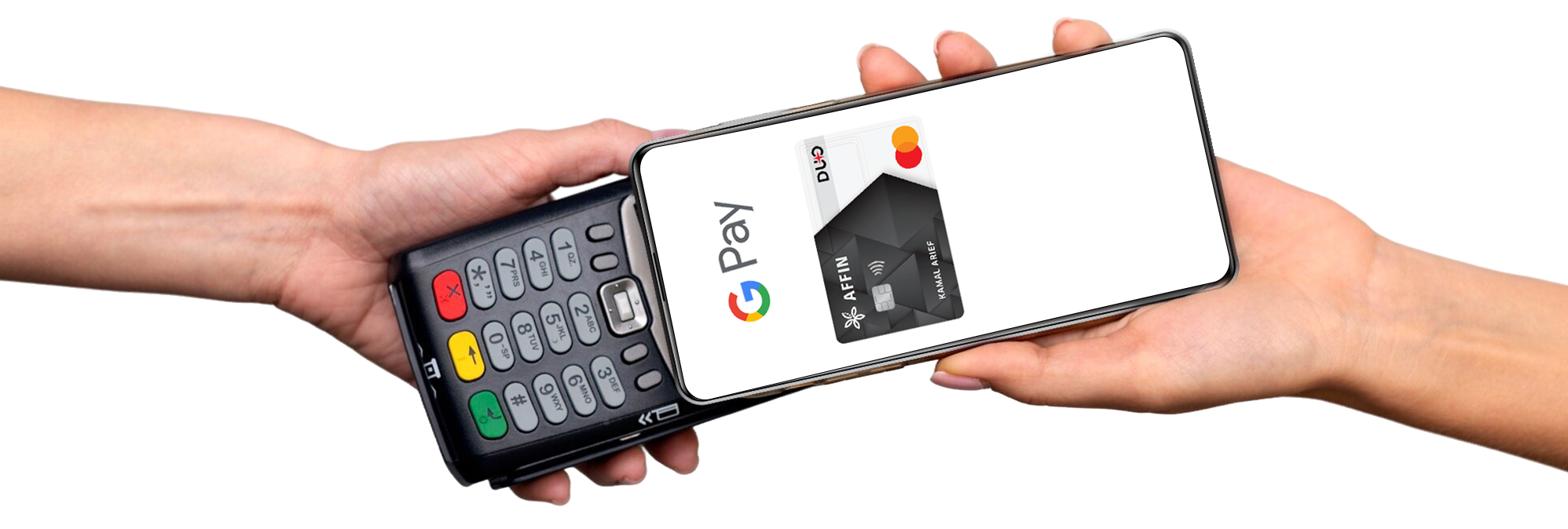
Where you can use Google Wallet ?
Google Pay is widely accepted online and in-store, wherever contactless transactions are available.

How to get started?
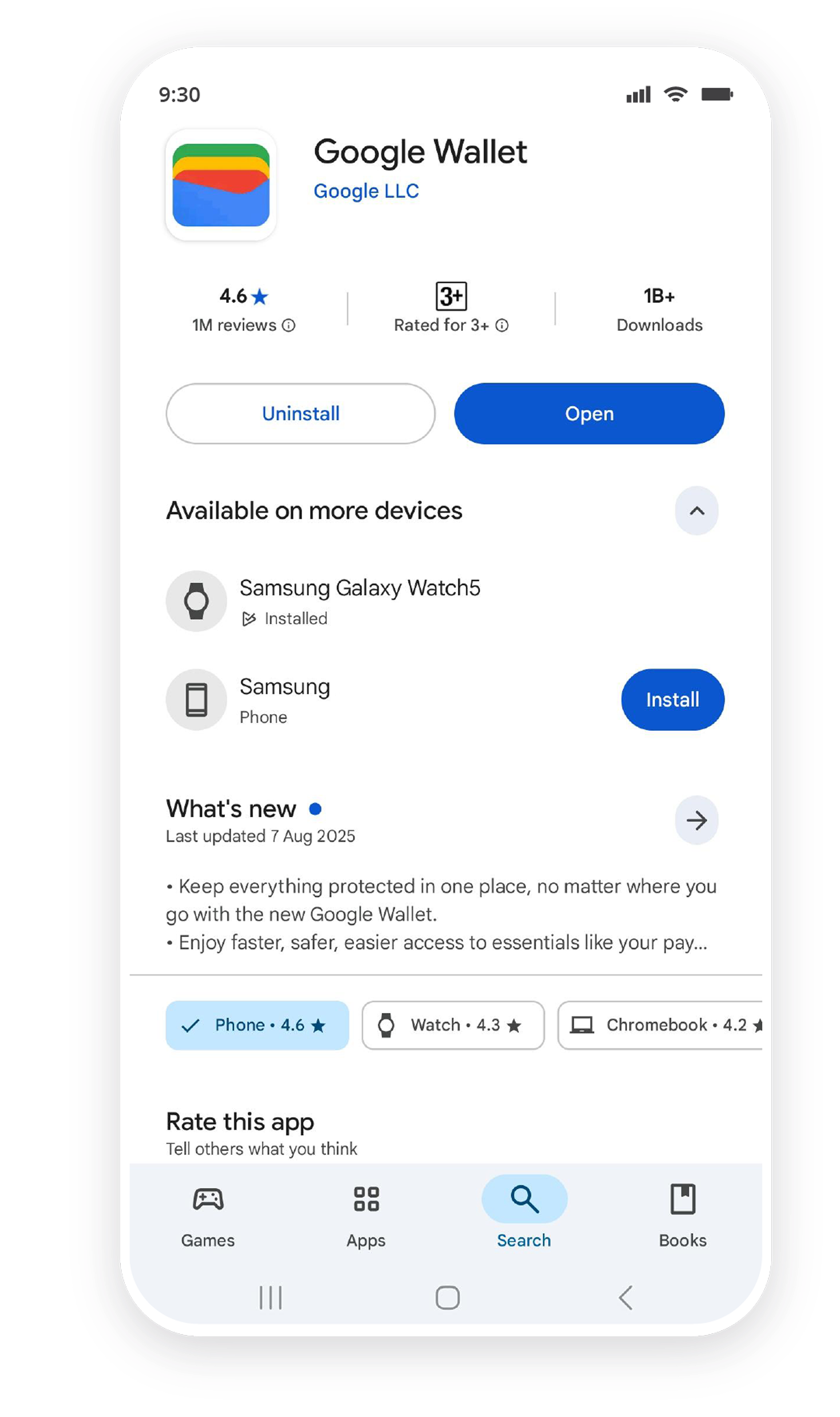
Step 1
Open ‘Google Wallet’ or download it from Google Play.
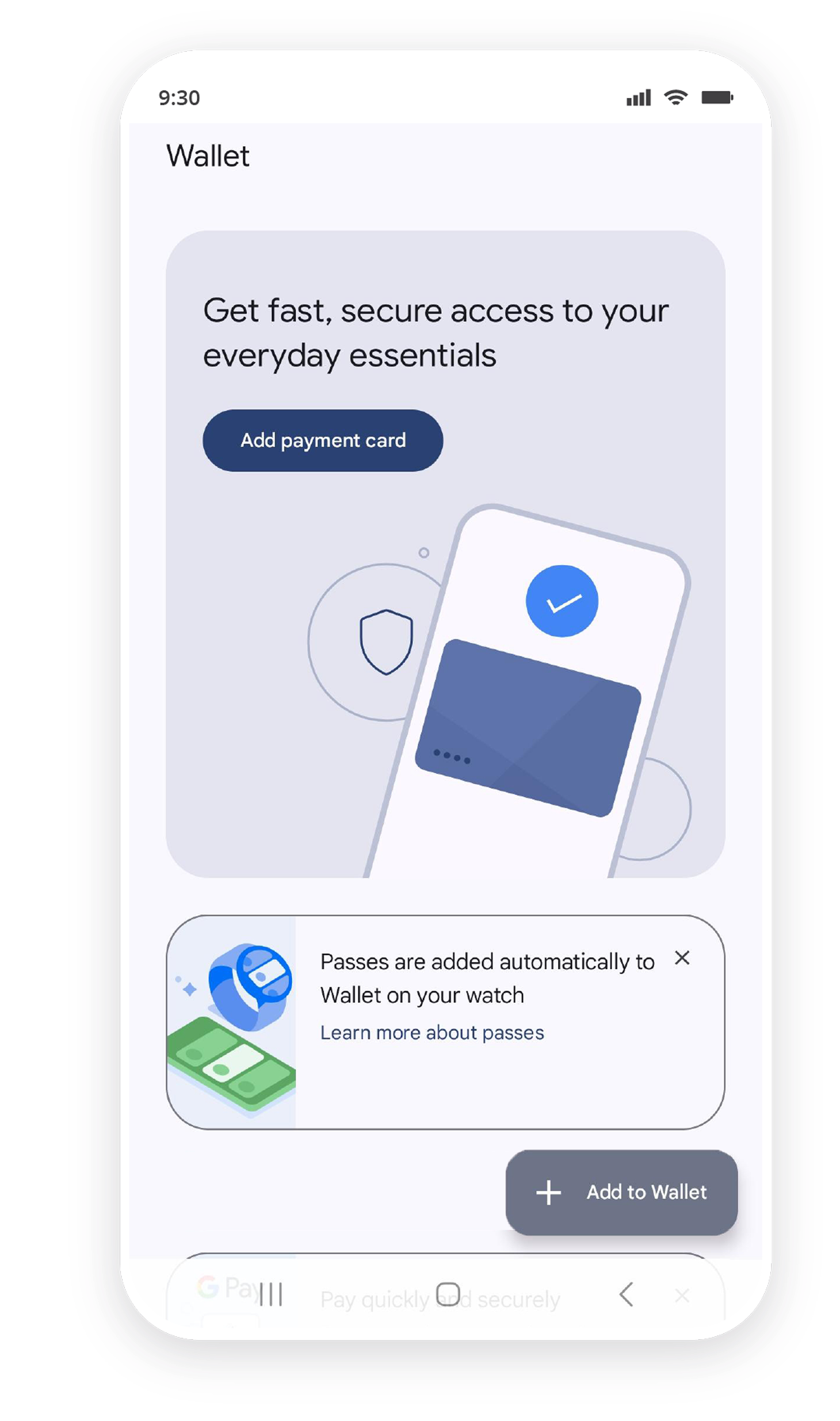
Step 2
Tap ‘+ Add to Wallet’ and follow the steps.
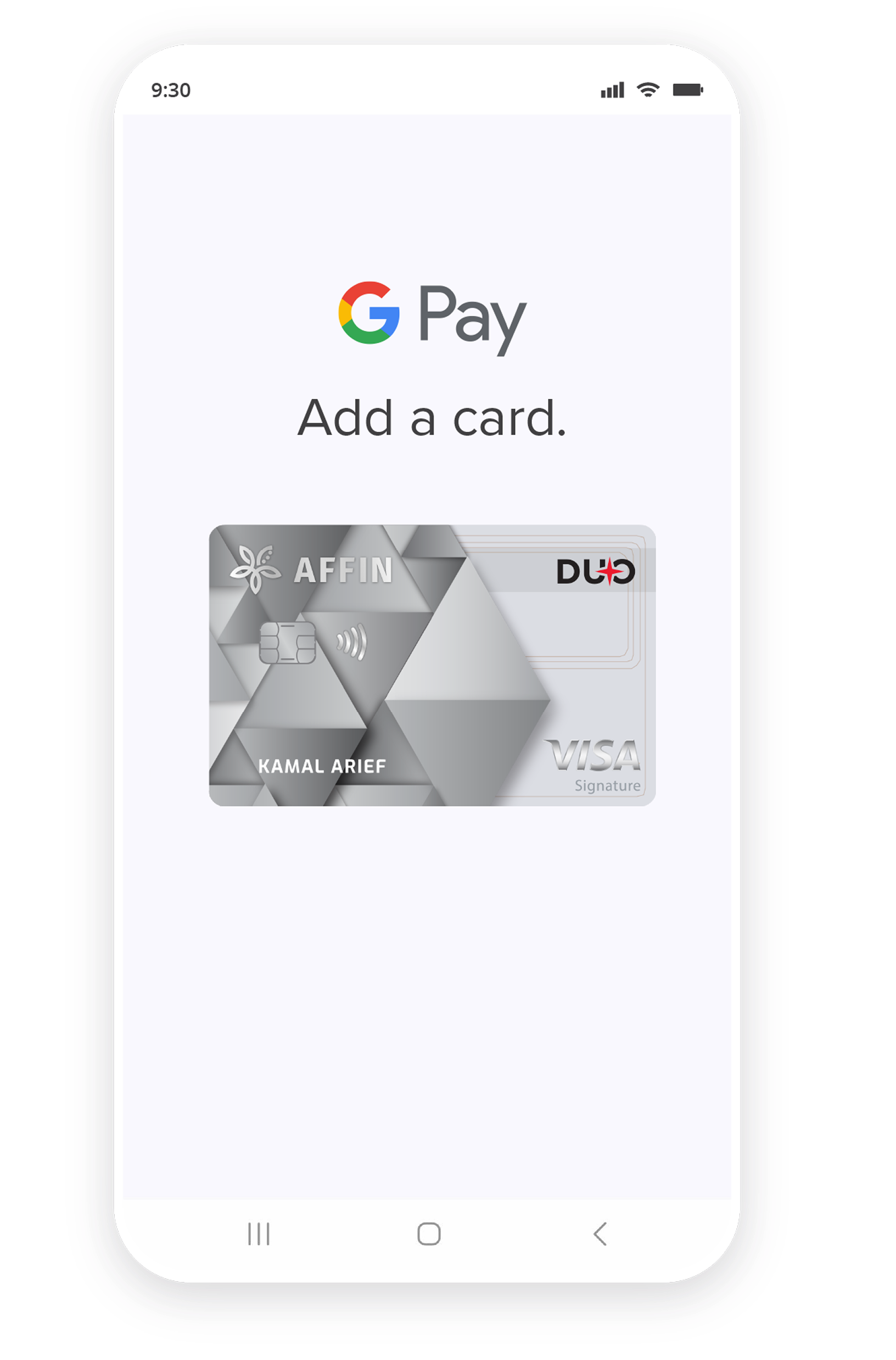
Step 3
Scan or enter your AFFIN Credit/Debit Card details to complete setup.
Ready to Pay?
Questions? We’ve got answers!
Head over to our Frequently Asked Questions.
Want to learn more about Google Pay?
Read the full Terms and Conditions.

Find out more here >>
There are more ways to reach us

Back to top

Copyright 2018 Affin Bank Berhad (25046-T).